Home › Blog › Decoders and Equipment
DStv Explora Ultra: Price, Features and Installation in Rondebosch
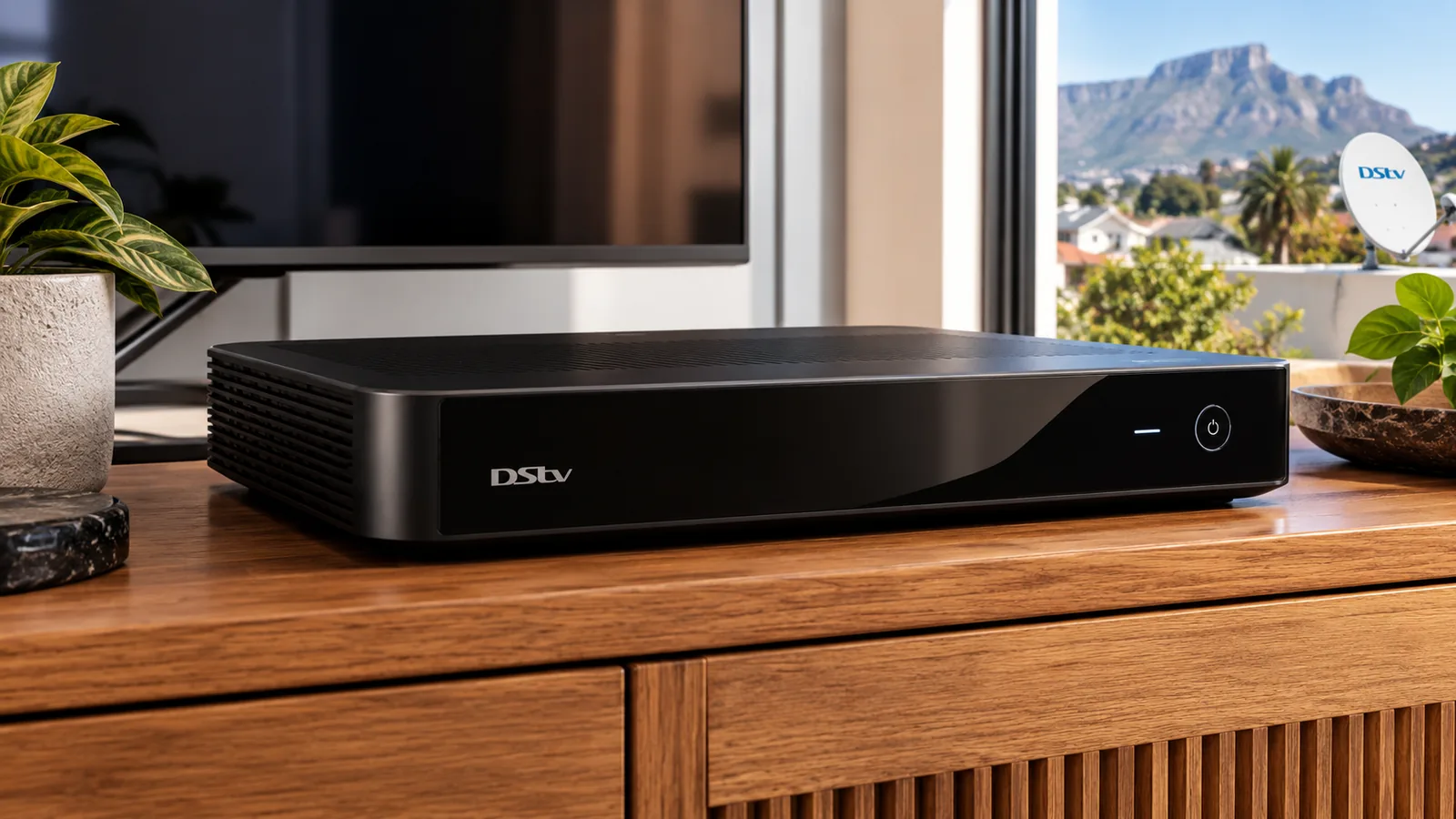
Is the DStv Explora Ultra worth the extra money, or will a cheaper box do the job in your Rondebosch home? We fit these decoders in Victorian semis, student houses and modern flats every month, so here is our straight verdict, followed by the price, the features and exactly what the installation needs.
Quick answer
The DStv Explora Ultra is worth it if you watch sport or movies on a 4K TV, want to record a lot, or like streaming apps on one box. At the time of writing it was R2,999 on promotion. It needs a Smart LNB and a good signal, and it carries the R125 monthly Access Fee.
Our Verdict on the DStv Explora Ultra for Rondebosch Homes
Short version: buy it if at least two of these are true for you.
- You have, or plan to buy, a 4K TV
- You record matches or series and watch them later
- You want Netflix and other apps without an extra streaming stick
- You want to link a second TV in XtraView later
If none of those apply, an HD single-view decoder or a normal Explora is probably enough. As DStv installers in Rondebosch, we would rather tell you that now than sell you a box you do not need.
What the DStv Explora Ultra does day to day
Think of a normal evening. Someone records the Stormers game while the kids watch cartoons in another room on a linked decoder. Later you pause live TV to answer the door, then skip the adverts on a recorded series. That is where a PVR earns its keep.
The DStv Explora Ultra adds a sharper 4K picture on supported content and apps on the same remote. For a household that already pays for Sports or Premium, those extras get used every week.
Who should skip it
- A granny flat or spare room with a small HD TV
- Tenants on a short lease who do not want to pay for a Smart LNB
- Students who only watch the odd match on the DStv app
DStv Decoder Types Compared: Where the DStv Explora Ultra Fits
There are four main DStv decoder types in homes today. Here is how they stack up against each other in plain terms.
| Decoder | Records? | Dish needed? | Smart LNB? | Price guide at the time of writing |
|---|---|---|---|---|
| HD single view | No | Yes | No | R499 on promotion |
| Explora (3B) | Yes | Yes | Yes | R1,499 on promotion |
| DStv Explora Ultra | Yes, up to about 110 hours | Yes | Yes | R2,999 on promotion |
| Streama | No | No, uses internet | No | Varies by store |
The Streama is a streaming box only. It skips the dish completely but needs stable fibre. That suits a flat in Rondebosch with a strong line, but not a house where the WiFi drops at the back.
What makes the Ultra different
It is 4K and HDR capable, has built-in WiFi and runs streaming apps. It also works in XtraView. Note that Disney+ is no longer available on Explora and Streama boxes, so check the apps you care about before you buy.
Explora Ultra Price in South Africa
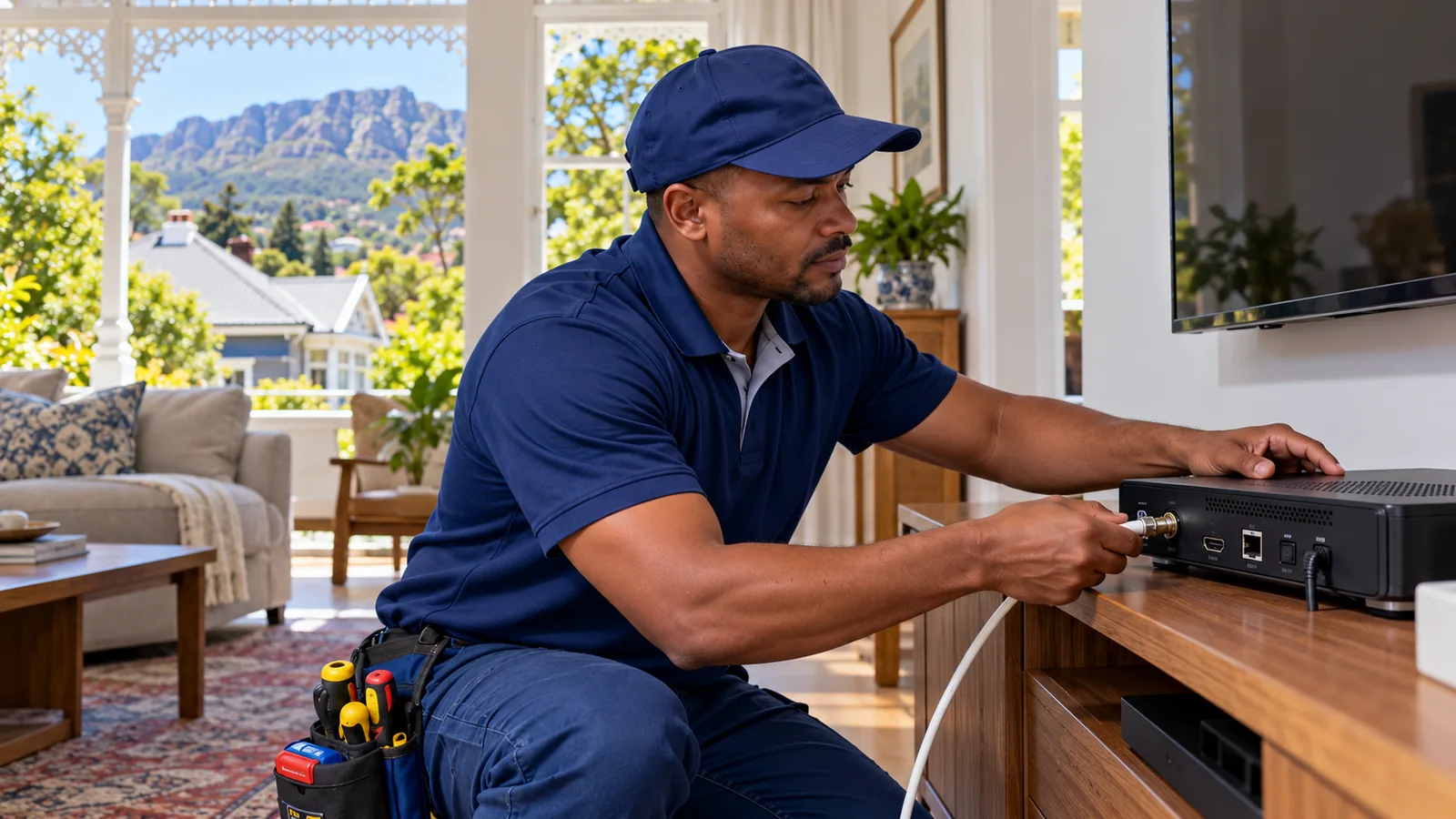
The Explora Ultra price on the DStv promotion between January and April 2026 was R2,999, down from R3,299. Prices have moved since, so treat that as a guide.
Retailers like Pep, Game, Makro and Checkers run their own specials, and the Explora Ultra price can differ by store and by week. Compare on the day. Also check the fine print, because the shelf price nearly always excludes the dish, Smart LNB, cable and fitting.
Good to know
The monthly cost goes up a little too. Any PVR, including the DStv Explora Ultra, adds the Access Fee of R125 per month on top of your package. If you later link a second decoder in XtraView, it adds nothing extra, because you are already paying that fee.
For the full picture of setup costs, including the dish and labour, see our line-by-line installation price guide for Rondebosch.
Why the DStv Explora Ultra Needs a Smart LNB
The LNB is the small unit at the end of the dish arm. It collects the signal and sends it down the cable. A normal LNB feeds one tuner. The Explora range has several tuners, so it can record one channel while you watch another.
A Smart LNB sends all the tuners their signal down a single cable. Without it, the recording features will not work properly. At the time of writing a Smart LNB retails for roughly R399 to R499.
Technician tip
A Smart LNB is not usually suitable for a shared dish in a block of flats. If you live in a complex near Main Road or in Rosebank, ask the body corporate what system the building uses before you buy an Ultra. We can check the wall plate for you.
Need DStv installers in Rondebosch?
Tell us what you need or what your screen is showing. We give you a clear price before we drive out.
DStv Explora Installation in Rondebosch: What It Takes
A proper DStv Explora installation is a bit more work than a basic HD setup. Here is what our technicians check on a typical Rondebosch job:
- Dish condition. An old dish can stay if it is sound and well aimed. A rusty or bent one should go.
- Smart LNB. We fit one if it is not there already.
- Cable quality. Old cable from the 2000s often loses signal. We test it and replace it if needed.
- Line of sight. Big oaks are part of the charm here, but they can block the satellite. We look north-east and high.
- Alignment. Done on a meter, aiming for strong signal quality with margin for winter rain.
Upgrading from an older Explora
If you already run an older Explora, the jump to an Ultra is usually simple. The Smart LNB is already there, so it is often a case of swapping the box, checking the cable and running the wizard. Recordings on the old box do not move across, so watch what you want to keep first.
Older single-view homes in Rondebosch East and Pinelands are a different story. There the LNB, and sometimes the cable, needs replacing before the Ultra can record properly.
Our Explora installation service covers all of the above. If you are starting from scratch with no dish, our new DStv installation team in Rondebosch handles the full setup in the same visit.
Safety first
Fitting a Smart LNB means working at the end of the dish arm, often on a steep roof or a high wall. Old slate and corrugated roofs get slippery in the wet. Leave roof work to a trained installer with the right ladder and harness.
How to Activate a DStv Decoder
Once the box is connected, it needs to be linked to your account. You can do this yourself in a few minutes:
- Have your smartcard number and decoder serial number ready. They are on the box and in the menu.
- Sign in to the MyDStv app or dstv.com.
- Choose the option to add or activate a decoder and enter the numbers.
- Pick your package.
- Leave the decoder on, on a channel, while the activation signal arrives.
DStv explains the steps for new boxes on the official DStv site. If the decoder shows an error after activation, wait a few minutes before you worry, then try a reset from the app.
DStv Installation Wizard Steps on the Explora Ultra
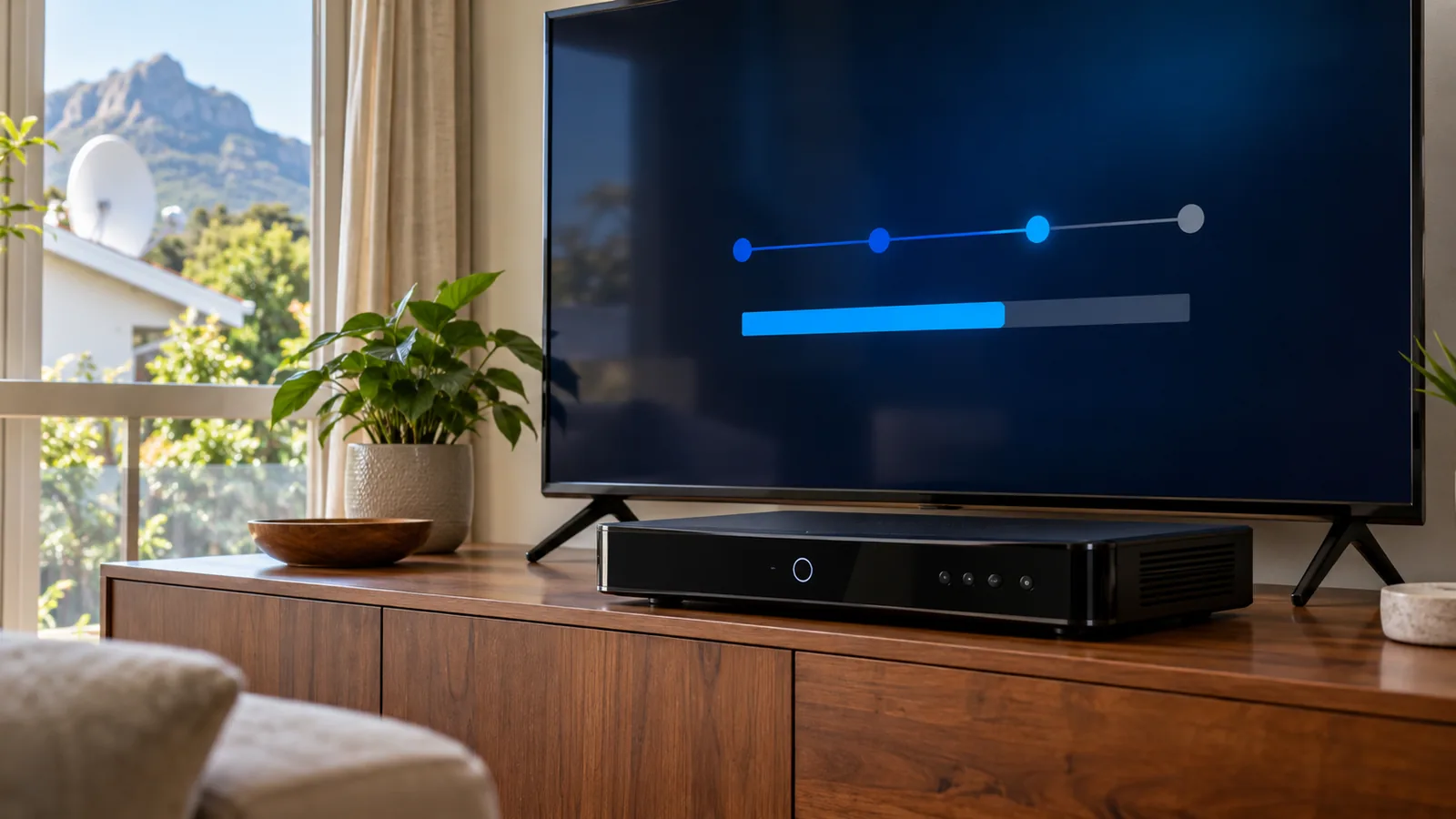
When you switch on a new DStv Explora Ultra, an installation wizard runs. Here is roughly what it asks:
- Language and region
- Connection to your home WiFi, for apps and updates
- Dish setup, where it checks the Smart LNB and signal
- A software update, which can take a while, so do not switch off
- A channel scan, then your first picture
If the wizard stalls on the signal step, the issue is usually the dish or cable rather than the box. Our guide to reading DStv signal settings explains what the numbers on that screen mean.
Ultra, Streama or Both? A Rondebosch Reality Check
Some households near UCT ask if they should skip the dish and the DStv Explora Ultra entirely. If your fibre is fast and steady, a Streama or the DStv app can work well. But load shedding and router problems can take streaming down while a dish keeps going on a small backup supply.
A common mix is an Ultra on the main TV and the app on a phone or laptop. To set up the app on a smart TV, use our step-by-step DStv Stream TV code walkthrough.
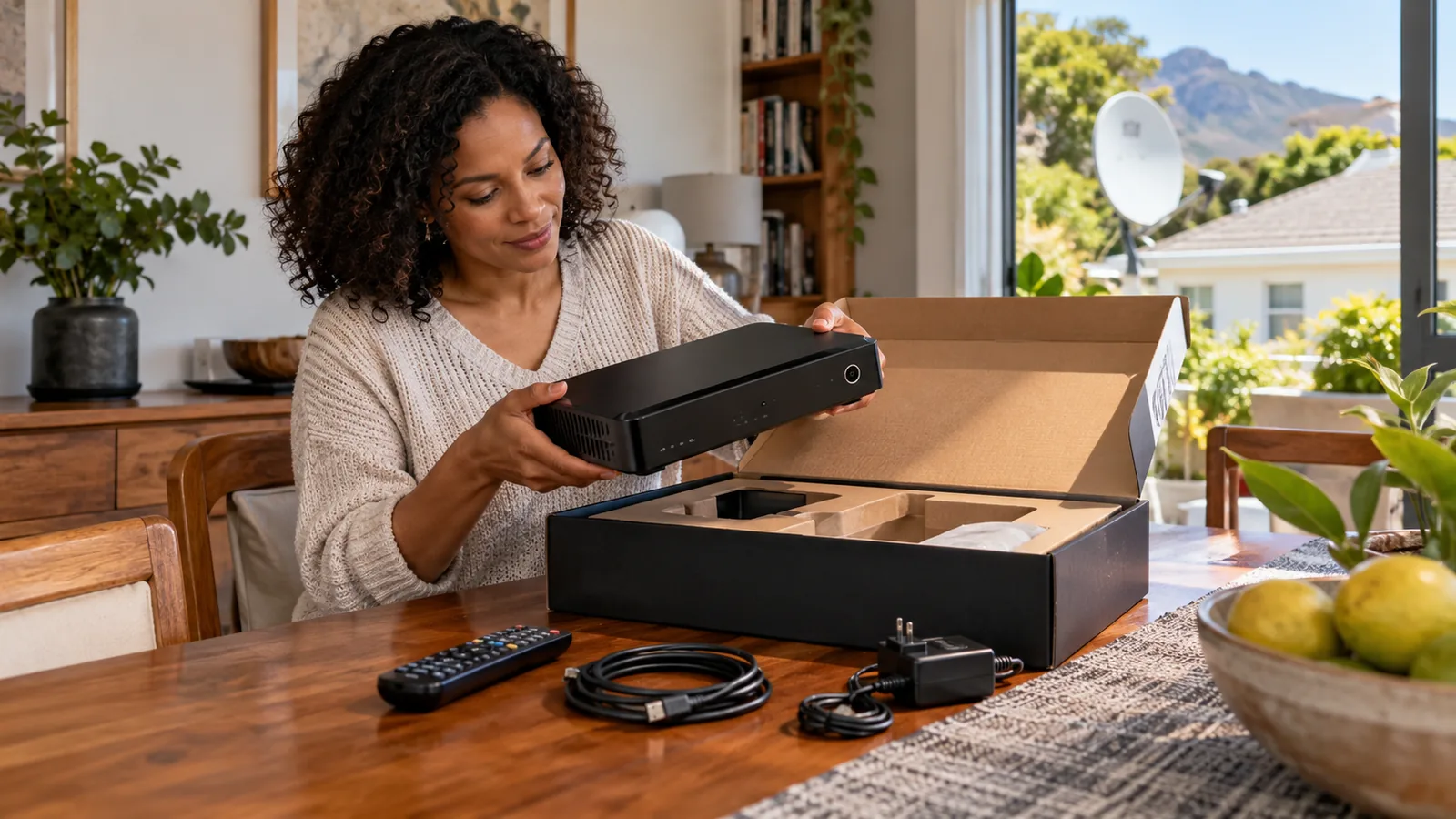
Book Your DStv Explora Ultra Setup in Rondebosch
We fit and set up the DStv Explora Ultra across Rondebosch, Newlands, Claremont, Kenilworth and Mowbray. Our technicians test every tuner with you before we leave.
Tell us your TV, your current dish and how many rooms you want. Then ask our team for a written quote and we will come back with a clear price first.
DStv Explora Ultra in Rondebosch: FAQs
Is the DStv Explora Ultra worth it?
It is worth it if you have a 4K TV, record a lot of sport or series, or want streaming apps on the same box. If you only watch live TV on an HD screen, a cheaper decoder will do. Remember it adds the monthly Access Fee, like any PVR.
How much is the DStv Explora Ultra price at Pep or Game?
Retail prices change by store and by week, so we cannot quote one. DStv's own promotion earlier in 2026 listed it at R2,999. Compare on the day and check if the shelf price includes the dish, Smart LNB and installation. Usually it does not.
Can I install the DStv Explora Ultra myself?
You can connect it yourself if a Smart LNB and good cable are already in place. If your dish has an older LNB, the recording features will not work properly. Fitting a Smart LNB means roof work and alignment, which is best left to a trained installer.
Does the DStv Explora Ultra have WiFi?
Yes. It has built-in WiFi, so it can connect to your home network for streaming apps and updates without a cable. The satellite channels still come from the dish. A weak WiFi signal only affects the apps, not normal DStv viewing.
Can I use the DStv Explora Ultra in a Rondebosch flat?
Often, yes, but it depends on the building's shared dish system. A Smart LNB is not generally suited to communal setups, so the block may need a different solution. Ask your body corporate first, or have a technician check the wall plate in your Rondebosch flat.
How long does Explora installation take in Rondebosch?
A typical Explora installation in Rondebosch takes a couple of hours, including fitting the Smart LNB, alignment and setup. A heritage roof, long cable run or extra TV point can add time. We confirm the expected time when we quote.
Talk to our Rondebosch team
Call or WhatsApp us for a quote. We answer quickly and we always price the job before we arrive.