DStv Error Codes: 10 Common Faults and Fixes in Rondebosch
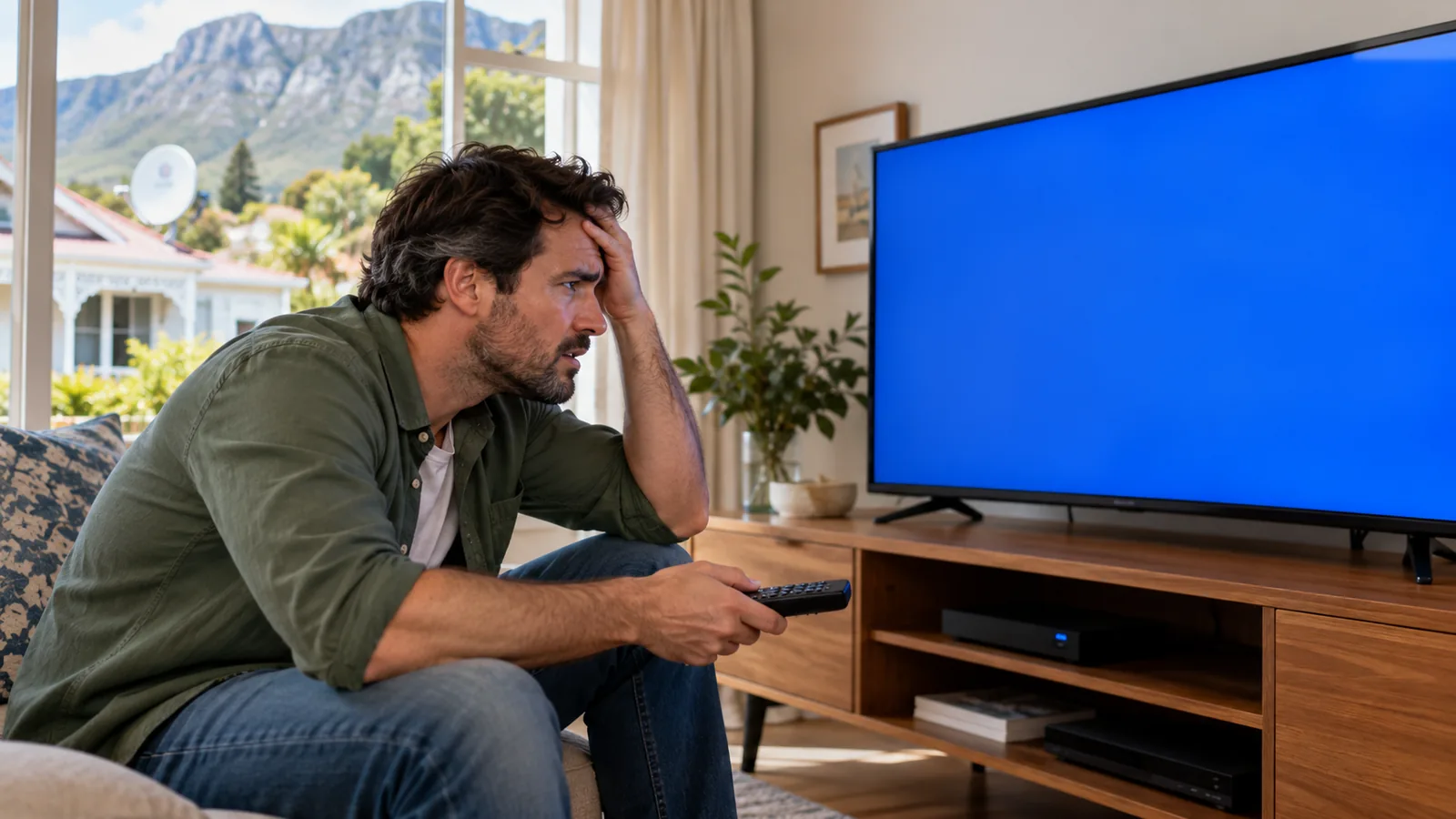
The kettle has boiled, the match is about to start, and the screen shows a code instead of a picture. Take a breath. Most DStv error codes we see in Rondebosch have a simple cause, and many can be cleared from your couch in a few minutes. This page lists the ten faults we meet most, what each means and when to call us.
Quick answer
Most DStv error codes fall into three groups. Signal codes like E48-32 and E30-2 point to the dish, cable or weather. Account codes like E16 usually clear with a reset from the MyDStv app. Smartcard codes like E51 and E141 mean the card is loose, dirty or not paired.
DStv Error Codes at a Glance
Find your code below. The last column tells you honestly whether it is a quick fix at home or a job for a technician. If the screen simply says no signal, our list of what to check before calling about no signal in Rondebosch is a good first stop.
| Code or symptom | What it means | Can you fix it? |
|---|---|---|
| E48-32 | No signal reaching the decoder | Sometimes. Check cables and weather first |
| E16 (e.g. E16-4) | Service not active on this decoder | Usually yes, with a reset |
| E30-2 | Signal lost for a moment, often in bad weather | Usually clears on its own |
| E51 / Error 51 | Decoder cannot read the smartcard | Usually yes, reseat the card |
| E141-4 | Smartcard not verified or not paired | Sometimes, may need DStv |
| Freezing or pixelating | Weak or noisy signal | Often needs a technician |
| Decoder will not turn on or reboots | Power or hardware fault | Try a power reset first |
| Remote not working | Batteries, pairing or sensor | Usually yes |
| Faults after load shedding | Surge damage or a stuck update | Sometimes |
| Same code keeps coming back | Underlying hardware or dish problem | Call a technician |
Signal DStv Error Codes in Rondebosch: E48-32 and E30-2
E48-32 error on DStv: no signal
The E48-32 error DStv shows means the decoder is getting no usable signal from the dish. In Rondebosch the usual causes are a dish knocked out of line by the south-easter, a corroded connector after a wet winter, a cable chewed by rodents in the roof, or a growing oak branch in the way.
- Look outside. If it is pouring, wait an hour before doing anything else.
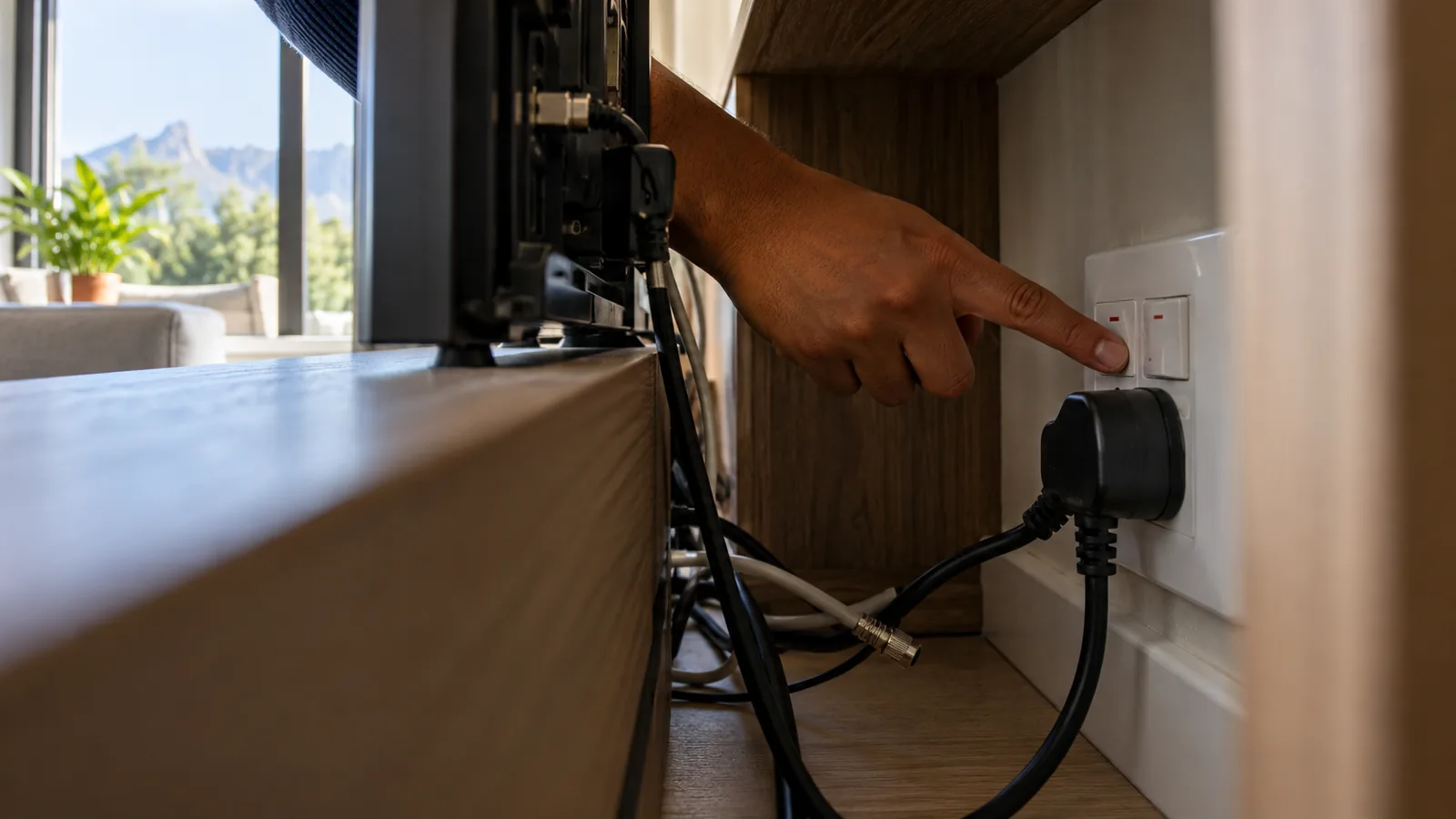
- Check the cable at the back of the decoder and the wall plate. Push each connector on firmly.
- Switch the decoder off at the wall for 30 seconds, then on again.
- If you have a second TV on the same dish, see if it also shows the error. If both do, the fault is likely at the dish.
If the E48-32 error DStv decoders show stays on in clear, dry weather, the dish or LNB probably needs attention. That is when our technicians step in.
E30-2: a short signal drop
E30-2 appears when the signal drops for a while, often during heavy Cape winter rain. It normally clears once the cloud passes. If it happens in light drizzle, your dish has little margin and probably needs alignment.
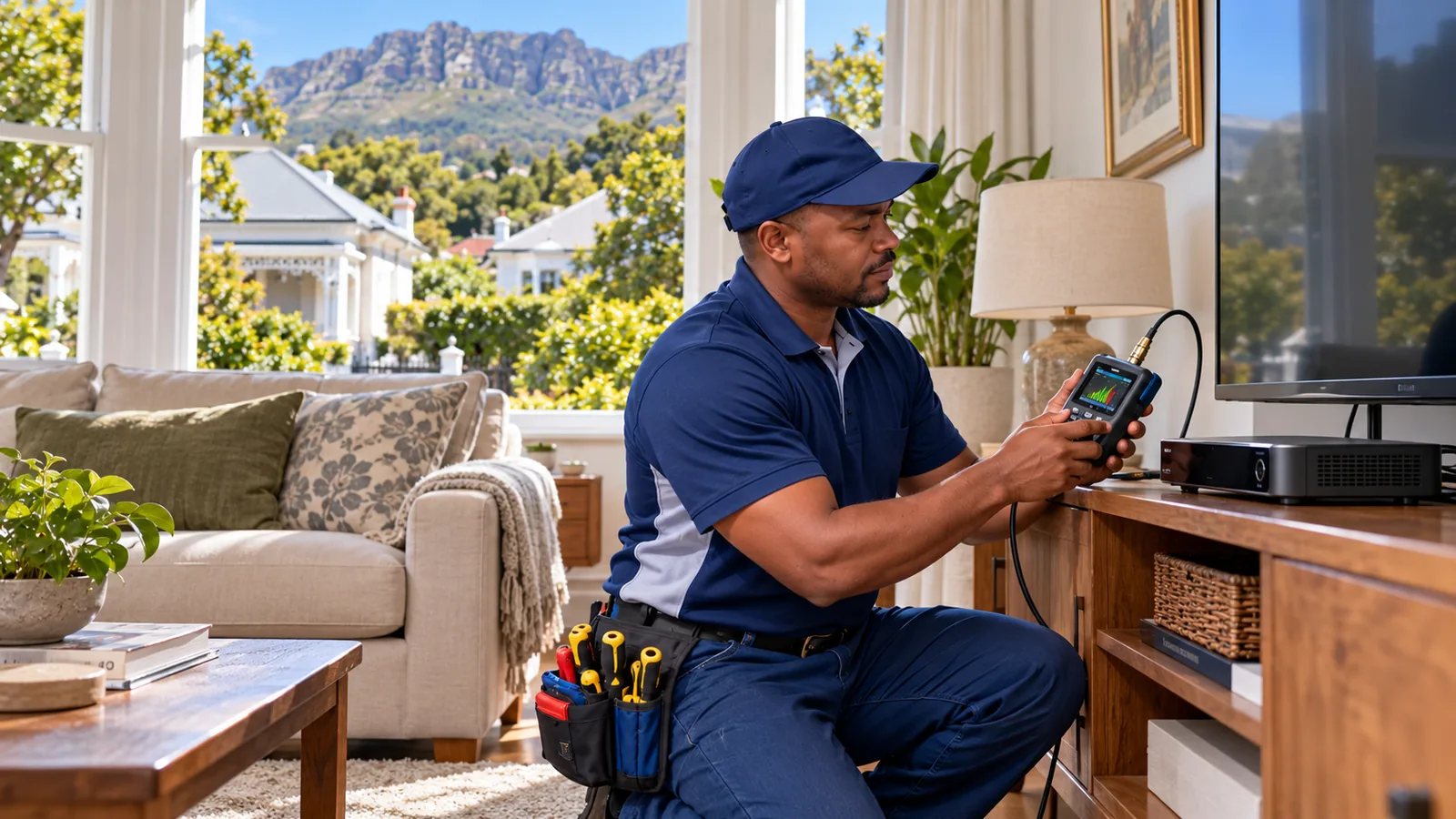
You can see the numbers for yourself in the decoder menu. Our walkthrough of DStv signal settings shows where to look and what counts as a healthy reading.
Account DStv Error Codes: E16 and Its Cousins
A DStv error E16 code, such as E16-4, means the decoder is not authorised to show that channel. It is not a dish fault. Usually the account is unpaid, a payment has not reflected yet, or the channel is not in your package.
- Confirm your account is paid up in the MyDStv app.
- Use the "Fix errors" option on the app, the DStv WhatsApp self-service, or dstv.com to send a reset.
- Leave the decoder switched on, on a channel, for a few minutes.
- If it still shows, power-cycle the decoder at the wall and try once more.
DStv lists the official meanings of codes on its error codes help page. If a DStv error E16 keeps returning even though you are paid up, the smartcard may be the real culprit, so check the next section.
Good to know
Linked decoders in XtraView check in with each other. If one loses contact, a linking error can appear on the second TV. That is different from E16, and the fix is getting both decoders talking again.
Need DStv installers in Rondebosch?
Tell us what you need or what your screen is showing. We give you a clear price before we drive out.
Smartcard DStv Error Codes: Error 51 and E141
DStv error 51 means the decoder cannot read the smartcard. In student digs near UCT and Mowbray, cards get bumped, pulled out or put back the wrong way more often than you would think.
- Switch off the decoder at the wall.
- Remove the card and wipe the gold chip gently with a dry, soft cloth.
- Put it back in the right way round, as shown on the slot.
- Switch on and wait for the picture.
If DStv error 51 still appears, the card or the slot may be damaged. E141-4 is related: the decoder cannot verify a valid smartcard paired to it. That often happens after moving a card between boxes, and DStv usually has to re-pair it on their side.
Picture, Power and Remote Problems in Rondebosch Homes
Freezing and pixelating
Blocks, stutters and frozen frames point to a weak or noisy signal, even with no code on screen. Common local causes are an old LNB, water in a connector, or trees that have grown since the dish went up. Our dish alignment service fixes most of these in one visit.
Decoder will not turn on or keeps rebooting
First check the plug, the wall switch and the power supply light. Then switch off at the wall for a full minute. A decoder that reboots in a loop may be stuck on a software update, so leave it alone for 20 minutes. If it still cycles, the power supply or the box may be faulty.
Remote control not working
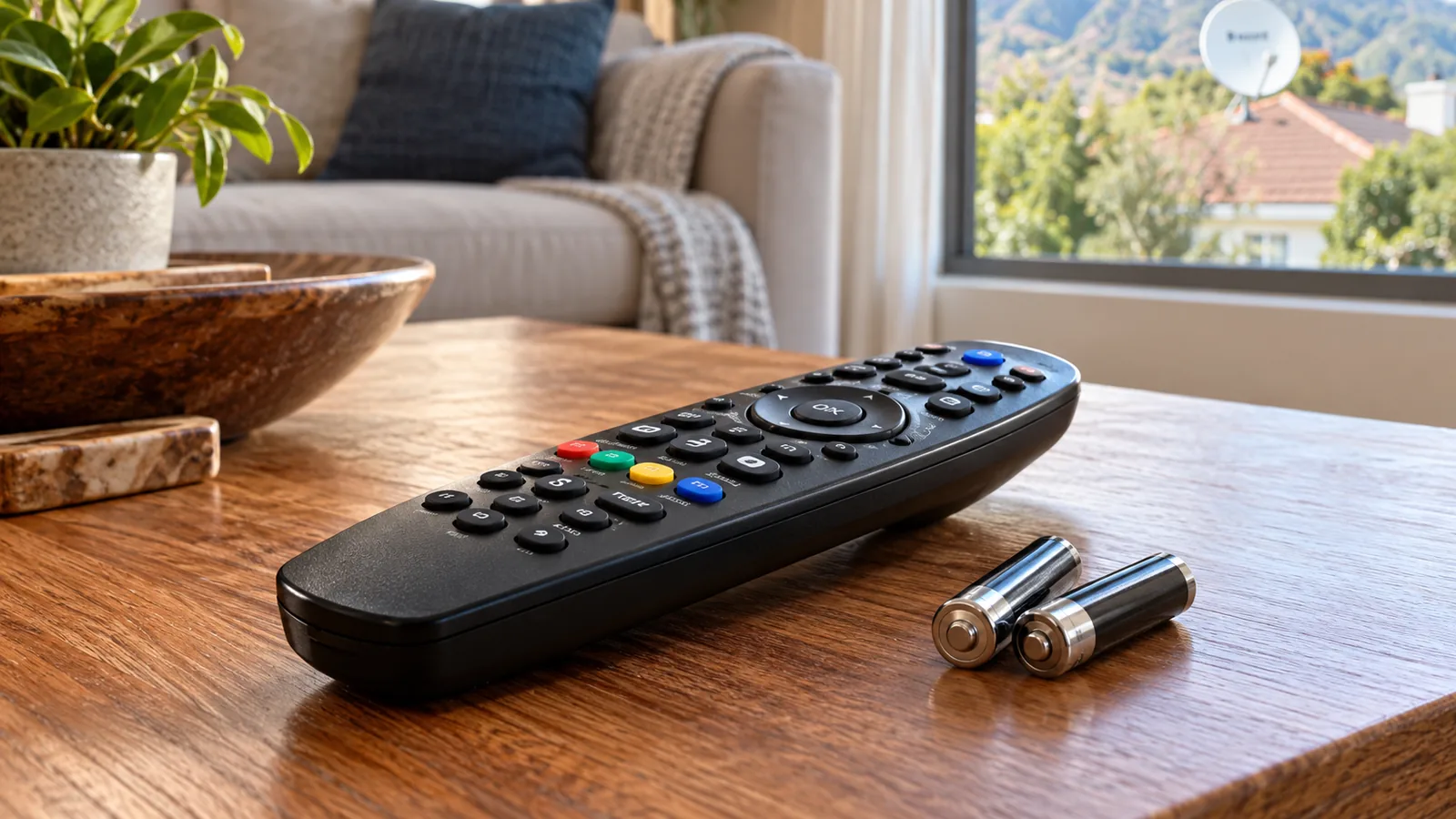
- Fresh batteries, put in the right way
- Nothing blocking the front of the decoder
- The remote paired to the right decoder, if you have two
- Point at the box, not the TV
DStv Error Codes After Load Shedding or a Power Surge
Power cuts and surges are hard on decoders. When the power comes back, the decoder may restart an update, lose its settings or show signal codes for a while. Give it 10 to 15 minutes before you start resetting.
Rondebosch has plenty of older homes with tired wiring, and we often see decoders, TVs and routers on one crowded multiplug. Spread them out where you can, and keep the decoder off the same plug as a heater or kettle in winter.
If the box shows nothing at all after a storm or a surge, the power supply may be damaged. A surge protector plug costs far less than a new decoder. Explora owners should note that a damaged PVR can also lose recordings.
If you have a PVR and are thinking of replacing it after surge damage, read our take on the DStv Explora Ultra for Rondebosch homes first.
Safety first
Never open a decoder or a power supply, and never touch a dish or cable on the roof during a thunderstorm. If you smell burning or see scorch marks on a plug, switch off at the wall and call an electrician.
When DStv Error Codes Need a Technician in Rondebosch
Some DStv error codes are a sign of a fault you cannot clear at home. Call us when:
- E48-32 stays on in clear weather after you have checked the cables
- The picture breaks up in light rain or on calm days
- A second TV in XtraView drops its link again and again
- The dish has visibly moved, rusted or been hit
- The decoder is dead or reboots non-stop
Our DStv repairs in Rondebosch cover signal faults, LNBs, cabling and decoders across Newlands, Claremont, Rosebank and Observatory. If you run two TVs and keep seeing linking errors, it is worth reading our comparison of Dual View and XtraView too.
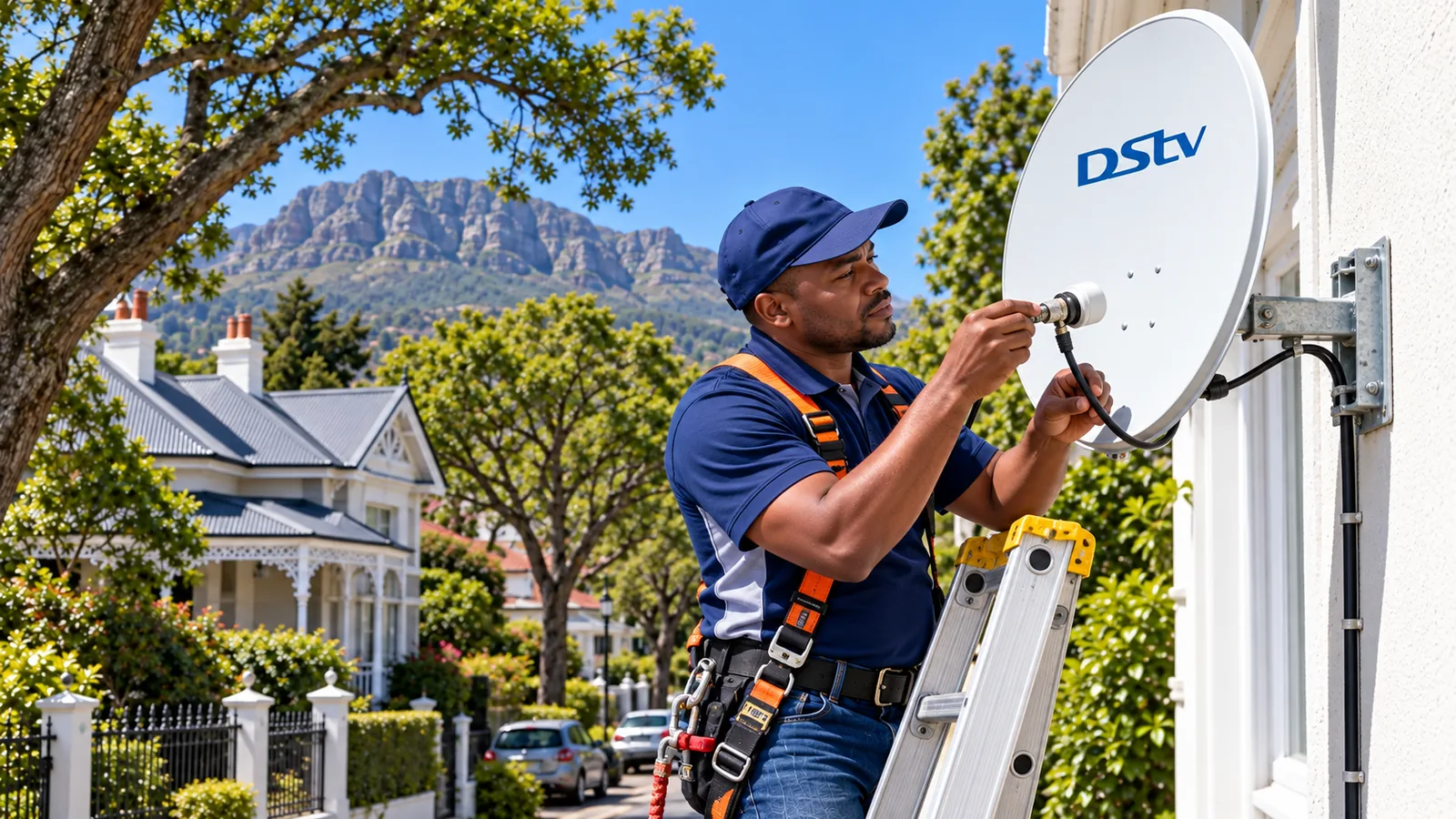
Technician tip
Keep a note on your phone of the DStv error codes you see, with the date and the weather. A pattern like "only when it rains" or "only after load shedding" helps us find the fault faster and saves you a second visit.
Get Help With DStv Repairs in Rondebosch
If the code will not clear, take a photo of the screen and send it to us on WhatsApp. Our DStv technicians in Rondebosch will tell you whether it sounds like a home fix or a visit, and quote before we drive out.
For anything that needs a ladder, book a repair visit with our team. We test the signal with you before we leave, so you know the fault is really gone.
DStv error codes in Rondebosch: FAQs
How do I clear DStv error codes myself?
Most account-related DStv error codes, such as E16, can be cleared by sending a reset from the MyDStv app, the DStv WhatsApp self-service or the Fix errors option on dstv.com. Leave the decoder on a channel for a few minutes afterwards. Signal codes like E48-32 need the cables, dish or weather checked instead.
What does DStv error E48-32 mean?
E48-32 means no signal is reaching the decoder. Heavy rain, a loose or wet connector, a damaged cable, a faulty LNB or a dish knocked out of line are the usual causes. If it stays on in dry weather after you check the cables, the dish needs a technician.
Why does my DStv keep losing signal in Rondebosch?
In Rondebosch the most common causes are strong south-easter winds shifting the dish, water getting into old connectors during winter, and trees growing into the satellite's path. A dish with little signal margin also drops out sooner in rain. Realignment and fresh connectors usually solve it.
What are the most common DStv error codes in Rondebosch?
The DStv error codes we see most in Rondebosch are E48-32 for no signal, E16 for an inactive service, E30-2 during heavy rain, and error 51 when a smartcard is loose. Signal codes rise sharply in the wet winter months and after strong wind.
How do I fix DStv error 51?
Switch the decoder off at the wall, remove the smartcard and wipe the gold chip gently with a dry cloth. Put it back in the right way round and switch on. If the error stays, the card or slot may be damaged, and you should contact DStv or a technician.
Do DStv error codes mean my decoder is broken?
Usually not. Most codes point to the signal, the account or the smartcard, not a broken decoder. A decoder is more likely faulty if it will not power on, reboots endlessly or shows errors on every channel even after a reset and a signal check.
Talk to our Rondebosch team
Call or WhatsApp us for a quote. We answer quickly and we always price the job before we arrive.