DStv Signal Settings: Check and Fix Your Signal in Rondebosch
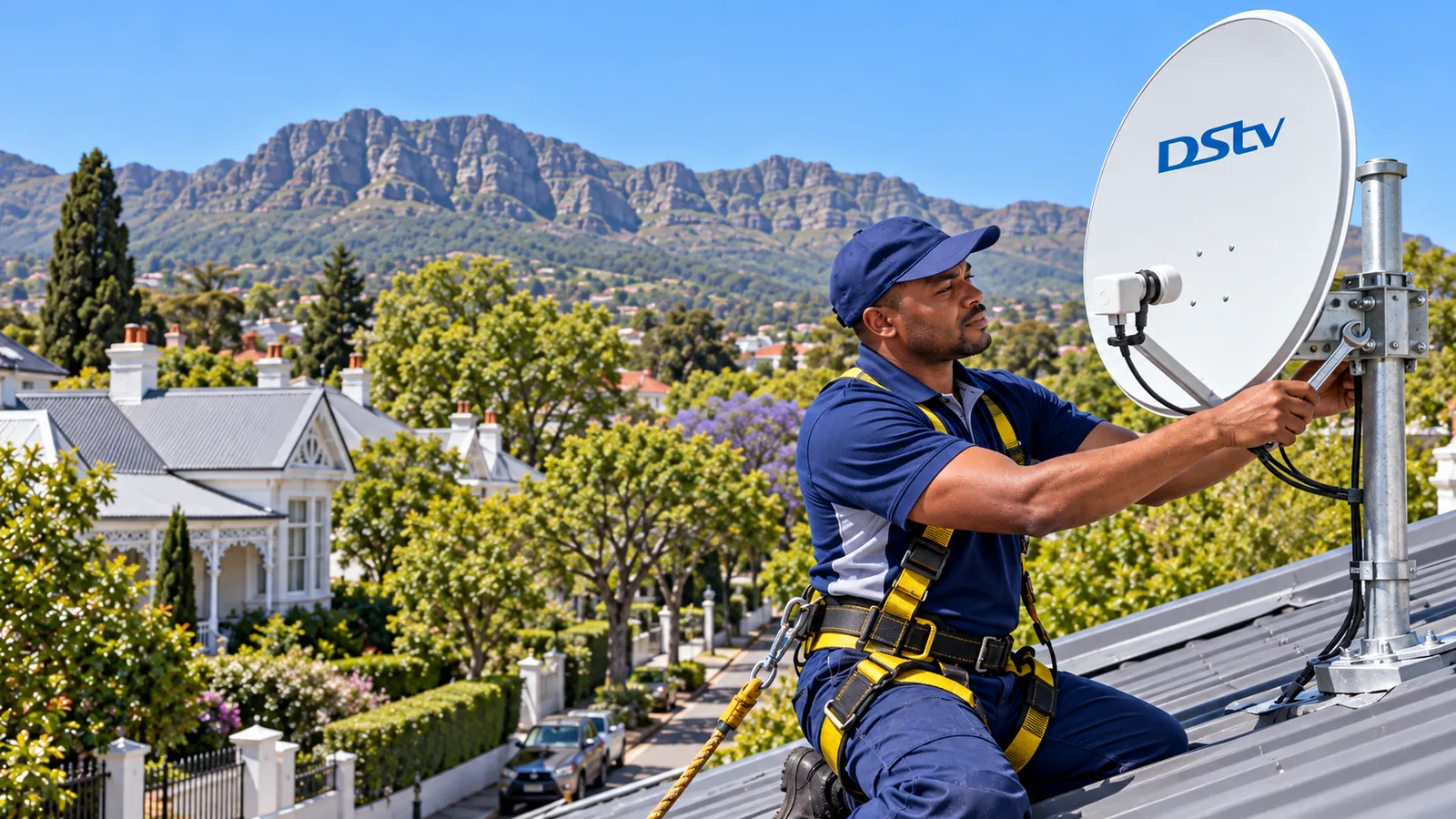
Picture breaking up during a wet July evening in Rondebosch? Before you call anyone, the decoder can tell you a lot. Your DStv signal settings screen shows two simple numbers, and once you know how to read them you can tell if the problem is the weather, the cable or the dish itself. Grab the remote and follow along.
Quick answer
Open the menu, go to Settings and find the signal or dish installation option. Your DStv signal settings show strength (how much signal arrives) and quality (how clean it is). Quality matters most. Low quality in dry weather usually means the dish needs alignment or the LNB or cable has a fault.
Step 1: Open the DStv Signal Settings Menu
Menus differ a little between the HD single view, the Explora and the Explora Ultra, but the route is similar on all of them.
- Press the DStv or Menu button on your remote.
- Scroll to Settings.
- Look for an option called Signal, Satellite Settings or Dish Installation. On some boxes it sits under Advanced Settings.
- Select it. You should see two bars or percentages on screen.
- Leave it open for a minute. The numbers move a little as the decoder settles.
That screen is your window into the dish on the roof. Write down what you see, because it is useful if you later need help from DStv installers in Rondebosch or anyone else.
What a good DStv signal settings reading looks like
There is no single magic number, and different decoders use different scales. What matters is that both bars sit comfortably in the upper part of the scale, stay steady, and do not fall away on a cloudy day. A reading that hovers right at the edge works today but drops out in the first winter storm.
Check your DStv signal settings once on a clear day and once in rain. Comparing the two tells you how much margin your dish really has.
Good to know
Some screens show a separate reading for each tuner on an Explora. If one tuner is fine and another is weak, the fault is often the Smart LNB or a cable, not the dish angle.
Step 2: Read Your DStv Signal Settings in Rondebosch
Here is the part that confuses most people. DStv signal strength and quality are two different things, and your DStv signal settings screen shows both:
- Strength is how much signal is reaching the decoder.
- Quality is how clean and usable that signal is.
Our technicians look at DStv signal strength and quality together, never one alone. Think of it like a radio. Strength is the volume, and quality is whether you can make out the words through the crackle. You can have loud static, which is high strength with poor quality, and the picture will still freeze.
| What you see | What it usually means | What to do |
|---|---|---|
| Both readings steady and high | Healthy signal | Look elsewhere, maybe the account or smartcard |
| Strength high, quality low | Noisy signal, often a tired LNB or wet connector | Check connectors, then call a technician |
| Both low in dry weather | Dish moved or something blocking it | Dish alignment needed |
| Both drop only in heavy rain | Rain fade | Wait it out, or improve dish margin |
| Both at zero | No signal at all | Check cables, then the LNB |
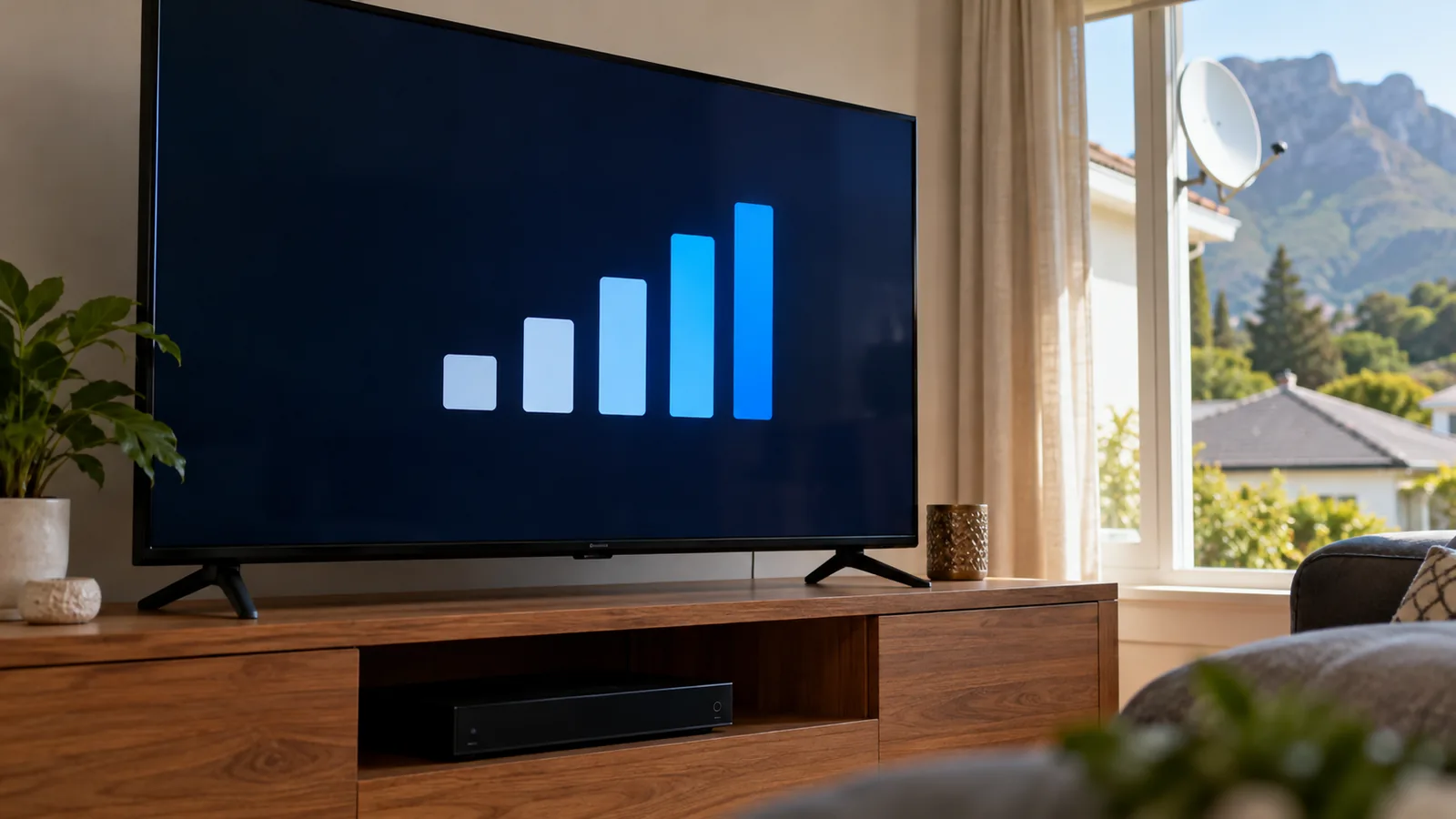
If the readings are low and the screen shows a code, our list of DStv error codes and fixes explains what each code is telling you.
Write down your readings
Note both numbers, the time and the weather. If you send them to a technician, they can often tell from these figures alone whether a visit is needed and what parts to bring along.
Why DStv Signal Settings Change in Rondebosch
DStv in South Africa comes from the Intelsat 20 satellite at 68.5 degrees East. From Rondebosch, the dish points roughly north-east and fairly high. Anything in that line of sight weakens what you see on the DStv signal settings screen.
Our suburb has a few special challenges:
- Big oaks. Lovely in summer, but a tree that was a sapling ten years ago can now block the dish.
- The south-easter. Strong gusts off Devil's Peak can slowly push a loose dish out of line.
- Wet winters. Rain gets into tired connectors and causes corrosion.
- New building work. A second storey next door in Newlands or Claremont can appear right in the path.
How to Set DStv Signal Manually
People search for how to set DStv signal manually when the picture goes. On the decoder side, this usually means rerunning the dish setup rather than changing the dish itself.
- Go to the dish installation or satellite settings menu.
- Check that the LNB type matches what is on your dish. An Explora needs the Smart LNB option, as explained in our Explora Ultra guide for Rondebosch homes.
- Run a rescan or the installation wizard again.
- Watch the strength and quality bars while it scans.
- Restart the decoder and test a few channels.
Rerunning the DStv signal settings fixes problems caused by wrong values, for example after a reset or a decoder swap. It cannot fix a dish that has moved. Learning how to set DStv signal manually helps you rule things out, but the physical aim of the dish needs hands on the roof.
Technician tip
Do not change numbers in the advanced menus unless you know what they do. A wrong setting can make things worse. If you are unsure, take a photo of each screen first so it can be put back.
Need DStv installers in Rondebosch?
Tell us what you need or what your screen is showing. We give you a clear price before we drive out.
Finding the Signal With a Phone App in Rondebosch
Satellite finder apps use your phone's compass and camera to show where the satellite sits in the sky. They are handy for checking if a tree or roof is in the way before a dish goes up.
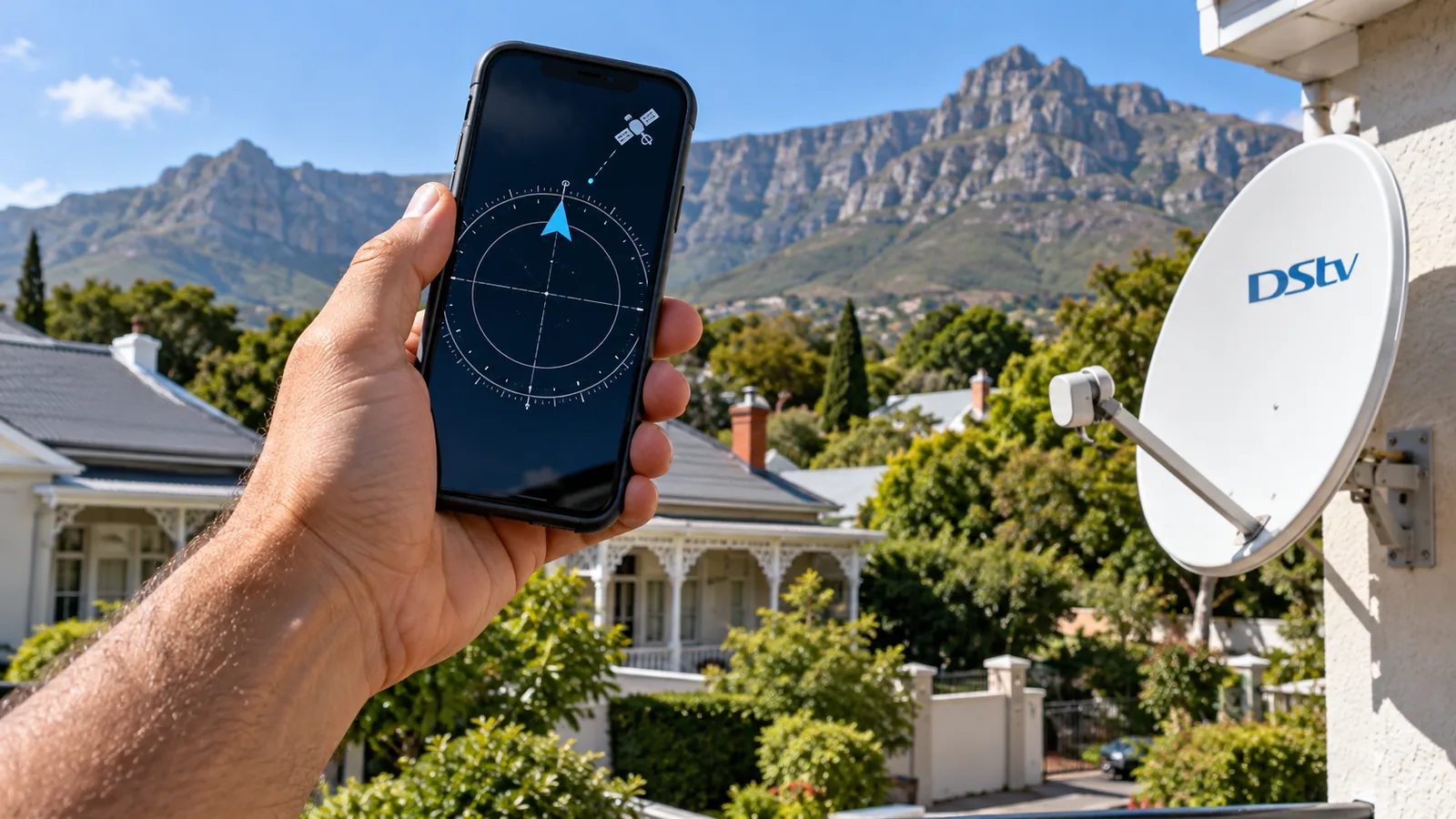
They will not change anything in your DStv signal settings, and they are not precise enough for final alignment. A phone gets you into the right area. A proper signal meter is what squeezes out the last bit of quality, and that last bit is what keeps the picture on during a Cape storm.
DStv Dish Alignment in Rondebosch and When It Drifts
DStv dish alignment means pointing the dish so it catches the strongest, cleanest signal. Even a small knock can drop the quality figure on your DStv signal settings screen. Dishes drift for a few reasons:
- Loose bolts on the bracket after years of wind
- Someone leaning a ladder on the arm during roof or gutter work
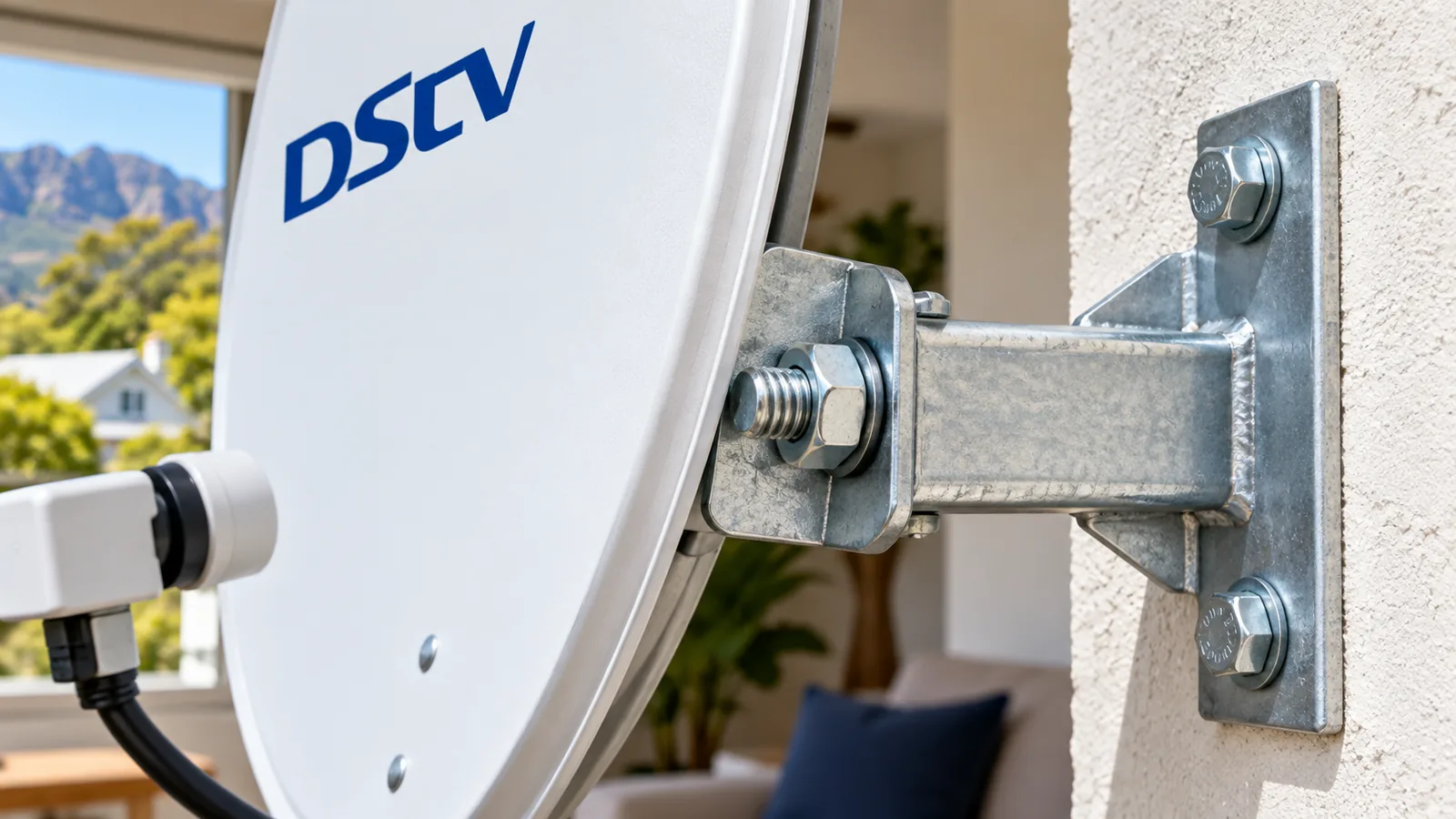
- A bracket fixed into soft or crumbling old plaster
- Rust on older dishes, common on homes near the Liesbeek
Our DStv dish alignment service in Rondebosch uses a meter to bring readings back up and tightens the bracket so it stays put. If the install itself was poor, our guide to installation costs in Rondebosch explains what a proper job should include.
Safety first
Please do not climb onto a roof to adjust a dish, especially on old slate or wet corrugated iron. A tiny turn moves the aim a long way, and falls from single-storey roofs cause serious injuries. Leave roof work to trained installers.
Rain Fade, Smart LNB Faults and DStv Signal Settings
Rain fade
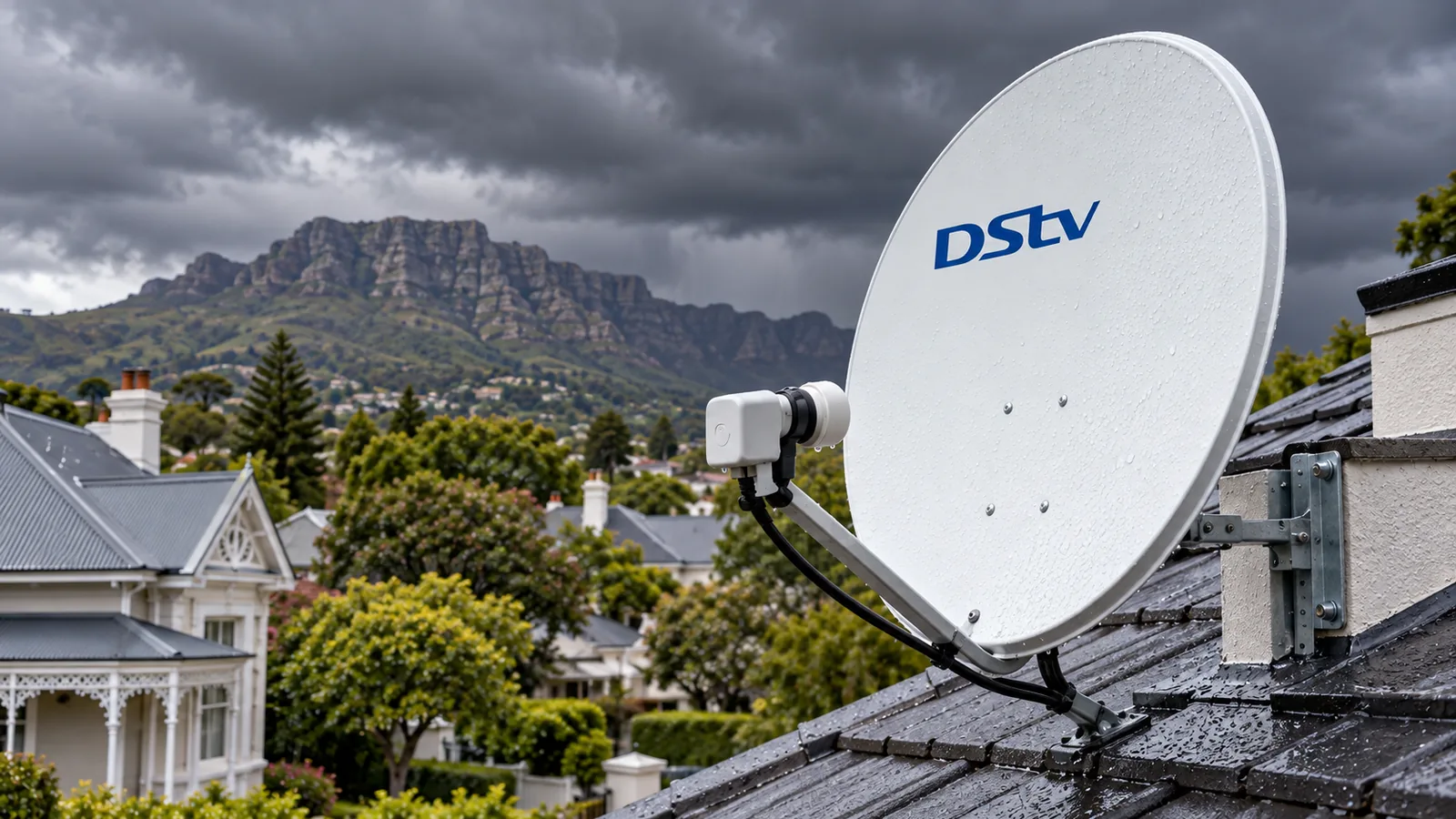
Heavy rain absorbs part of the satellite signal. A well-aligned dish with margin rides out most storms. One that barely scrapes by drops out first. We cover this in more depth in our post on why weather knocks out DStv around Rondebosch.
Smart LNB faults
On an Explora or Explora Ultra, the Smart LNB feeds several tuners. When it starts to fail, you might see good readings on one tuner and poor ones on another, or recordings that fail while live TV plays. Water damage and age are the usual causes. Replacing the LNB normally brings the readings back to healthy.
Same Dish, Free Channels: OpenView
OpenView broadcasts from the same satellite position as DStv. That means a good dish can often serve an OpenView decoder too, after a technician checks the LNB and cabling. See our OpenView channels list for 2026 if you are thinking of adding free channels to a second room.
Book DStv Signal Repair in Rondebosch
If your readings stay low in dry weather, or you have tried the steps above, it is time for DStv signal repair. Rondebosch homes, plus Rosebank, Mowbray, Kenilworth and Pinelands, are all on our regular routes. Our DStv signal and decoder repairs start with a meter test so we fix the real cause.
We always quote before we drive out. Send us your signal readings and a photo of the dish and we will tell you what we think is wrong.
Official decoder help is also on the DStv website. For fast DStv signal repair in Rondebosch, we are often there the same or next day, depending on the schedule.
DStv signal settings in Rondebosch: FAQs
Where do I find DStv signal settings on my decoder?
Press the DStv or Menu button, go to Settings and look for Signal, Satellite Settings or Dish Installation. On some decoders it sits under Advanced Settings. The screen shows signal strength and signal quality, often as bars or percentages, and on an Explora it may show each tuner.
What is the difference between DStv signal strength and quality?
Strength is how much signal reaches the decoder. Quality is how clean and usable it is. Quality matters more, because a strong but noisy signal still freezes and pixelates. Low quality with high strength often points to a failing LNB or a wet connector.
Can I change DStv signal settings manually without a technician?
You can rerun the dish setup in the decoder's settings, confirm the LNB type matches your dish and rescan. That fixes setting errors after a reset. It cannot move the dish, so if readings stay low in dry weather the dish needs alignment with a signal meter.
Why do my DStv signal settings drop when it rains in Rondebosch?
Heavy rain absorbs part of the satellite signal, which is called rain fade. Rondebosch gets long wet spells in winter, so dishes with little margin drop out first. A well-aligned dish with fresh connectors usually rides out all but the worst storms.
Can I use my phone to align my DStv dish?
A satellite finder app helps you find the general direction and check for trees or buildings in the way. It is not precise enough for final alignment. A proper signal meter gets the best quality, which is what keeps the picture stable in bad weather.
How much does DStv signal repair in Rondebosch cost?
It depends on the fault. A simple dish alignment costs less than replacing an LNB or a long run of damaged cable. We test the signal first, then give you a quote before any work starts, so you know the cost before you agree to the repair.
Talk to our Rondebosch team
Call or WhatsApp us for a quote. We answer quickly and we always price the job before we arrive.