Home › Blog › Streaming and Internet
DStv Stream TV Code: Link Your Rondebosch Smart TV in 5 Steps
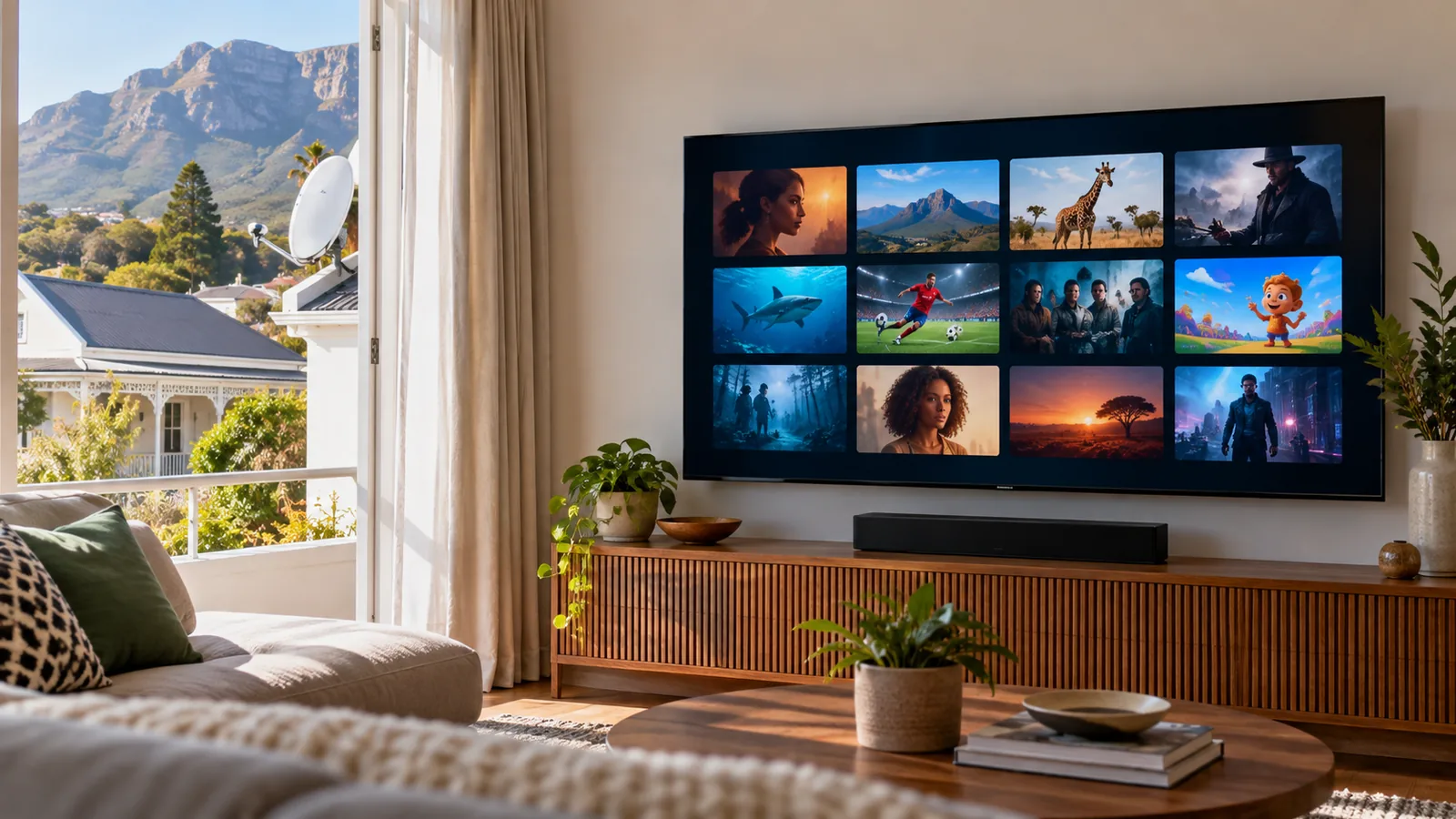
The app is open and a short code is staring at you from the screen. In a Rondebosch flat or a student house with fibre and no dish, this is normal. The DStv Stream TV code is how the app on your smart TV gets linked to your DStv account. You do it once, from your phone, and it takes about two minutes.
Quick answer
Open the DStv Stream app on your smart TV and it shows a DStv Stream TV code of five digits. On your phone or laptop, go to dstv.stream/tv, sign in with your DStv login and type in that code. The TV refreshes and starts working. If the code expires, close and reopen the app for a new one.
Before You Use the DStv Stream TV Code in Rondebosch
Most failed logins we see come from missing one of these basics. Tick them off first and the rest is quick.
- A smart TV that has the DStv Stream app in its app store, or a Streama box.
- Your DStv email or phone number and password. Test them in the DStv app on your phone first.
- An active package, or DStv Stream packages that include streaming on a TV.
- Stable internet at the TV. Fibre is best; a weak WiFi signal in the back bedroom causes most trouble.
- A phone or laptop next to you to enter the code.
No dish is needed for streaming. That is why it suits so many renters in Rondebosch, Mowbray and Observatory, where the landlord may not allow a dish on the wall. If you own the house and would rather have satellite, our new DStv dish installation service is the other route.
Link Your TV with the DStv Stream TV Code in 5 Steps
Here is how to link DStv Stream to TV apps on any supported smart TV, with the small details that trip people up added in. You only need your DStv Stream TV code and your login.
- Install the app. Open the app store on your smart TV, search for DStv Stream, install it and open it.
- Note the code. The app shows a five-digit DStv Stream TV code. Leave that screen open.
- Open the link page. On your phone, go to dstv.stream/tv in the browser, or use the DStv app.
- Sign in and type the code. Log in with your DStv details and enter the dstv.stream/tv code exactly as it shows on the TV.
- Wait a few seconds. The TV updates on its own. Choose your profile and start watching.
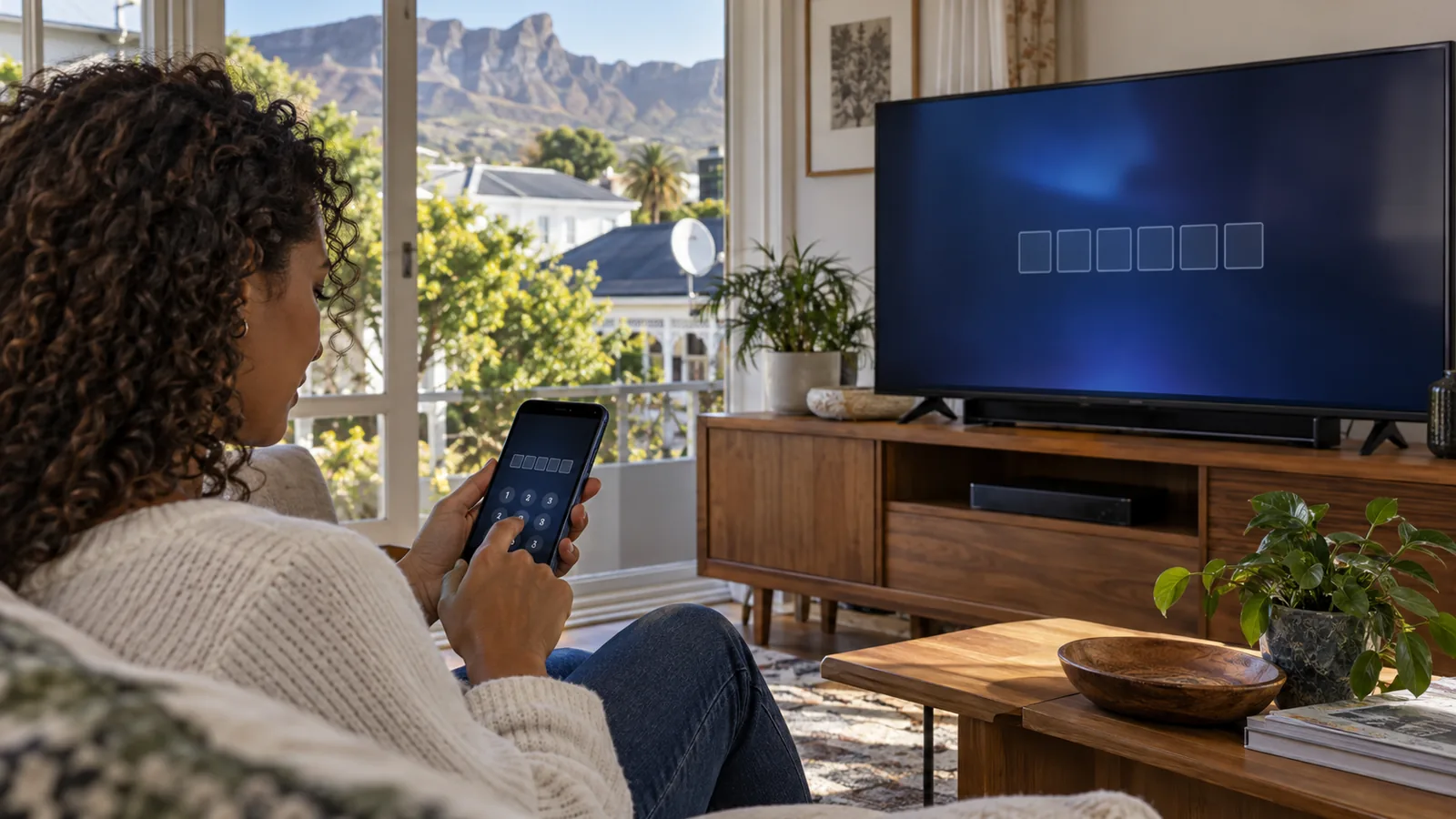
DStv sets out the same flow on its official smart TV streaming guide. Once linked, the TV stays connected until you log out, so you will not need a new code every evening.
Technician tip
Type the dstv.stream/tv code on your phone, not on the TV. Using a TV remote to sign in to a web page is slow, and the code can time out while you hunt for the @ key.
When the DStv Stream TV Code Will Not Work
A code that is rejected is frustrating, but the reason is nearly always one of a handful. Work down this table before you reinstall anything.
| What you see | Likely reason | What to try |
|---|---|---|
| Code not accepted | Code expired or typed wrong | Close the app on the TV, reopen it and use the new DStv Stream TV code |
| Signed in, but no channels | Package does not include TV streaming, or account not paid | Check your package in the DStv app |
| App stuck on loading | Weak WiFi at the TV | Restart the router and TV, or move the router closer |
| Too many devices message | Stream limit reached | Log out of an old phone or laptop |
| App not in the TV store | TV model not supported | Use a Streama box or cast from a phone |
If you see a numbered error rather than a message, our list of common DStv error codes and fixes explains what each one means.
Catch Up not working after the DStv Stream TV code login
Catch Up shows that play on the decoder but not in the app are usually a rights issue. Some titles are allowed on a decoder only. If nothing at all plays, sign out, restart the app and sign in again with a fresh DStv Stream TV code. Slow WiFi also makes Catch Up hang on the first frame.
Need DStv installers in Rondebosch?
Tell us what you need or what your screen is showing. We give you a clear price before we drive out.
Student Flat WiFi in Rondebosch: Why Streams Buffer
Here is something the app will not tell you. In a shared house near UCT, five people may be on the same fibre line at 8pm. Add thick old walls, and the TV in the lounge can end up with a weak signal even when the fibre speed is fine.
- Router in a cupboard: move it into the open, as high and central as you can.
- Big Victorian or Edwardian house: a mesh WiFi system, with one unit near the TV, helps a lot.
- Flat on a busy floor: a network cable from the router straight to the TV beats WiFi every time.
- Load shedding: a small UPS on the router keeps the stream alive if your fibre box has power.
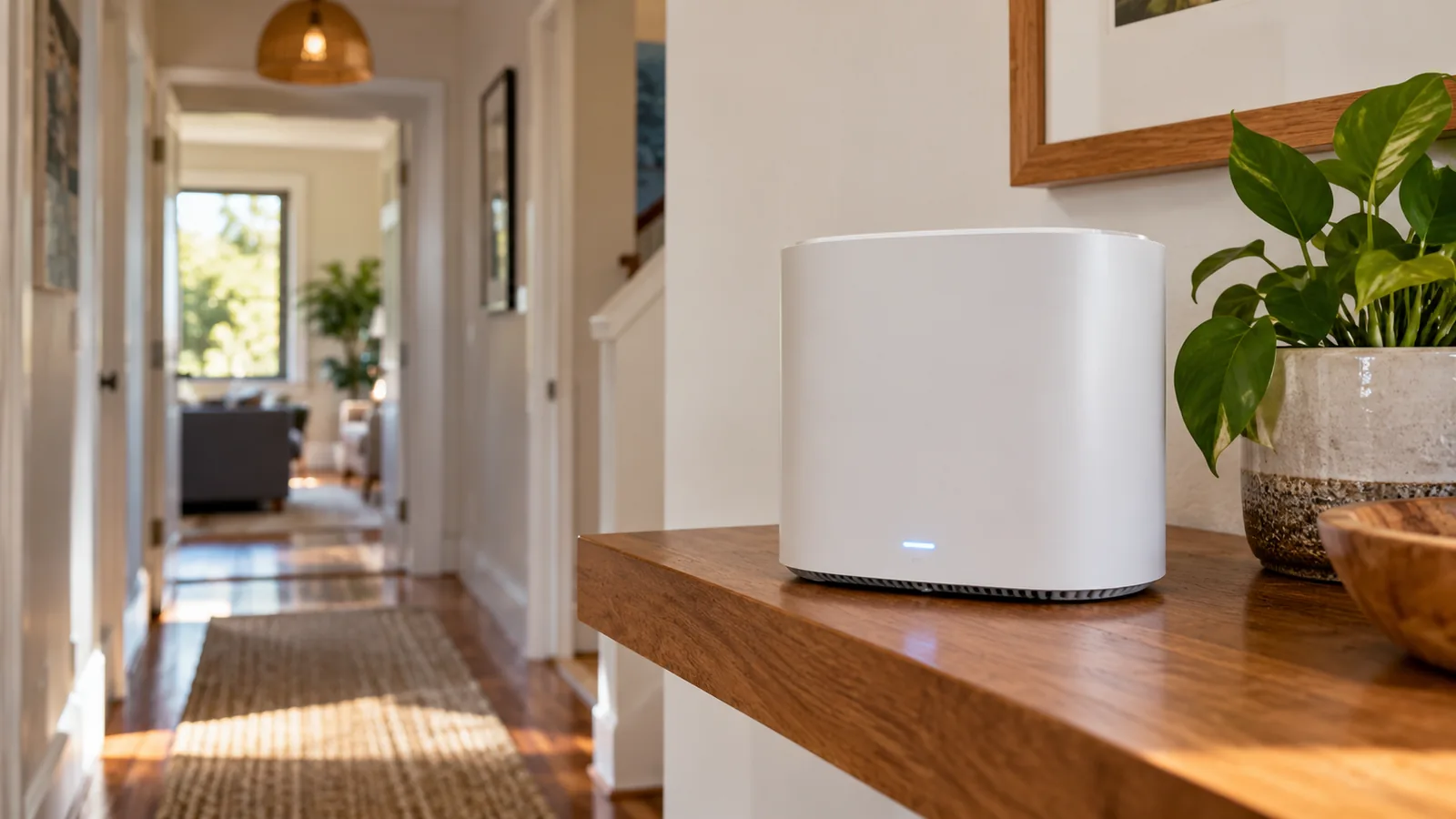
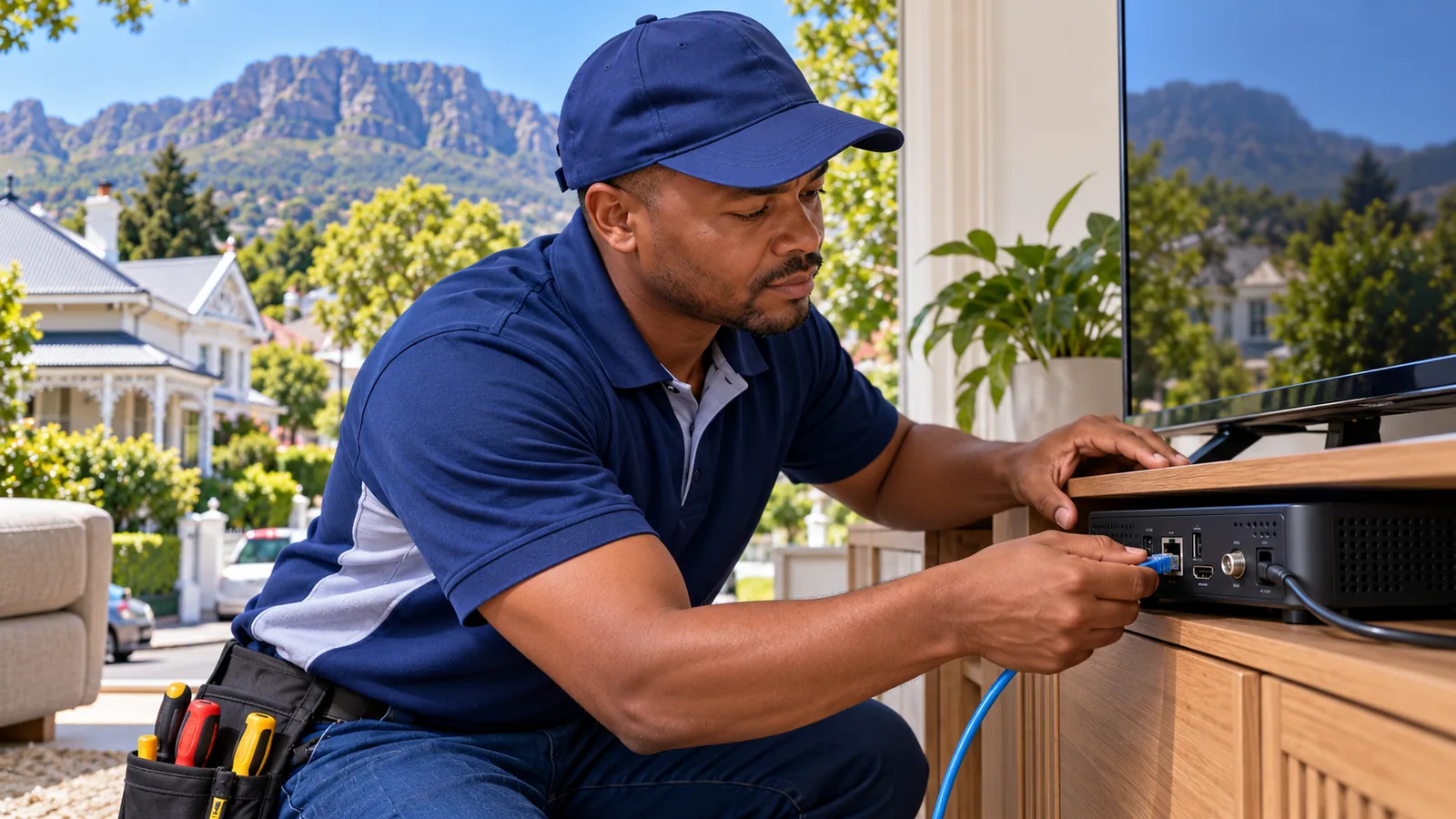
If the TV is far from the router, our WiFi and network installation in Rondebosch can run a proper cable point or set up mesh units in the rooms that need them.
Signing Out and Getting a New DStv Stream TV Code
People forget this part until they move out, sell a TV or leave a shared house at the end of the year. A TV that is still signed in keeps using one of your streams. Anyone in that lounge can keep watching on your account.
- Open the DStv Stream app on the old TV and go to settings.
- Choose the sign out option and confirm.
- In the DStv app on your phone, check the list of linked devices and remove any you no longer use.
- On your new TV, open the app and link it with a fresh DStv Stream TV code.
Students leaving Rondebosch digs in November should do this before handing back the keys. It takes one minute and saves an awkward call from next year's tenants. The same applies if you are figuring out how to link DStv Stream to TV screens at a parent's house over the holidays: sign in there, then sign out when you leave.
DStv Stream Packages and the Streama Box
You can stream without ever owning a decoder. At the time of writing, DStv Stream packages run from Starter at R99 a month up to Premium at R799. A few are cheaper than the satellite version, which is why many students choose streaming.
| Package | Satellite pm | Stream pm |
|---|---|---|
| Starter | R150 | R99 |
| Select | R339 | R299 |
| Sports | R479 | R399 |
| Movies & Series | R500 | R500 |
| Premium | R979 | R799 |
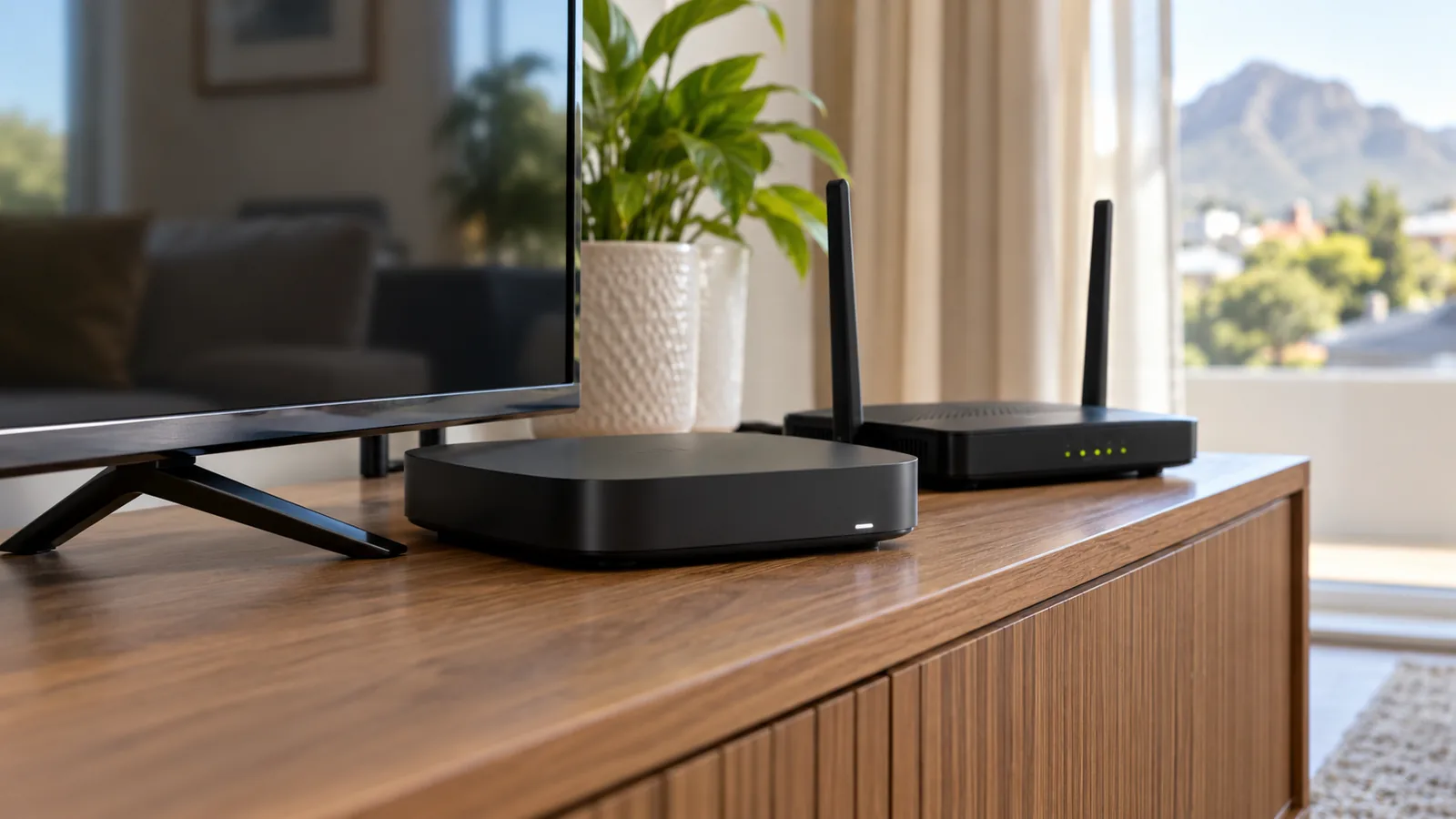
Prices change, so compare them in our 2026 DStv packages and prices breakdown and confirm in the app. If your TV is too old for the app, the Streama box plugs into the HDMI port and gives you the same streaming menu. It needs a steady internet line and no dish.
Stream or Decoder: Which Fits Your Rondebosch Home?
Streaming is not always the best choice. On a wet Cape winter night, satellite does not care if the fibre provider has an outage. Live sport on a decoder also tends to run slightly ahead of the stream.
- Choose streaming if you rent, move often, or have no dish and strong fibre.
- Choose a decoder if you want sport live, record shows, or have patchy internet.
- Choose both if the lounge has a decoder and a bedroom TV only needs the app.
Families wanting two rooms on one account can compare the app with a second decoder in our article on DStv dual view vs XtraView.
Beyond the DStv Stream TV Code: The DStv App and Explora
The DStv app on your phone does more than help you enter a DStv Stream TV code. You can check your balance, see your package, pay, and clear many errors yourself. Keep it installed even if you never stream on the phone.
Explora owners can also connect the decoder to WiFi for Catch Up and software updates. Older Explora models use the DStv WiFi Connector, while the Explora Ultra has WiFi built in. Our Explora installation team can set up the connection when we fit or move a decoder.
Good to know
A decoder on WiFi still gets live TV from the dish. The internet only adds Catch Up, apps and updates, so a bad WiFi day will not stop the live channels.
Need Help Linking Your TV in Rondebosch?
Most people sort out the code in a few minutes with this guide. If your TV will not hold a connection, the WiFi is the problem, and that is something we can fix on site in Rondebosch, Newlands, Claremont and Rosebank. Our DStv and WiFi installers in Rondebosch quote first, and you can book a streaming or WiFi visit online.
DStv stream TV code in Rondebosch: FAQs
Where do I enter the DStv Stream TV code?
Enter it on your phone or laptop, not on the TV. Go to dstv.stream/tv in a browser or open the DStv app, sign in with your DStv account details and type the five-digit code that the TV shows. The TV refreshes on its own once the code is accepted, usually within a few seconds.
Why is my DStv Stream TV code not working?
The code has usually expired or was typed with a mistake. Close the DStv Stream app on the TV, reopen it to get a fresh code, and enter it straight away on your phone. Also check you are signed in to the right DStv account and that your package is active and paid up.
Is the DStv Stream TV code free?
Yes. The code itself costs nothing and is only used to link your TV to your account. You still need an active DStv package that includes streaming, and the internet data used while watching comes from your own fibre or mobile plan.
How do I link DStv Stream to my TV in Rondebosch without a smart TV?
Use a Streama box or another supported streaming device plugged into the HDMI port. It shows the same login screen and code, so the steps are identical. In Rondebosch flats with thick walls, put the device near the router or use a network cable for a steadier picture.
Why does DStv Stream keep buffering in my Rondebosch student house?
Usually the WiFi at the TV is weak or the line is busy with other users. Move the router into the open, add a mesh unit near the TV, or run a network cable. Restarting the router and TV also clears many short buffering problems.
Do I need a dish for DStv Stream?
No. DStv Stream works over the internet on a smart TV, Streama box, phone, tablet or laptop. You only need a dish and decoder if you want satellite TV, which keeps working when the internet is down.
Talk to our Rondebosch team
Call or WhatsApp us for a quote. We answer quickly and we always price the job before we arrive.